
Android · Open testing
Slicezo: Video Splitter
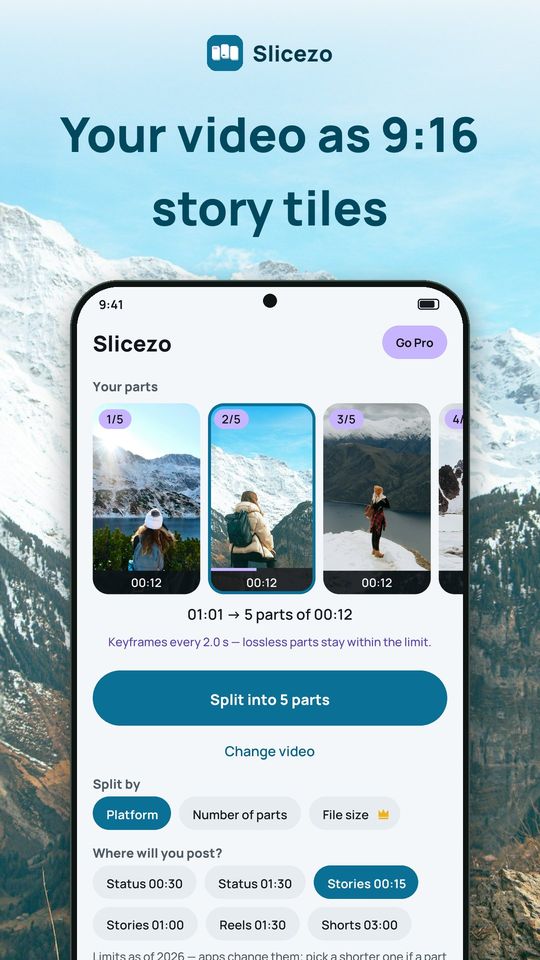
Slicezo cuts a long video into story-sized parts on your phone. Pick a video, choose where you will post it, and Slicezo shows every part as a tall 9:16 tile with its number and length before you save. Everything runs on your phone, and your videos never leave it.
A look inside
What it does
Story tiles on Home
- Your video appears as a row of 9:16 tiles, one per part, each with its frame, a "1/5" badge and its length
- A line such as "1:01 → 5 parts of 0:12" tells you the result before you export
- No video yet? Sample tiles show how a 1:15 clip would split
Presets for where you post
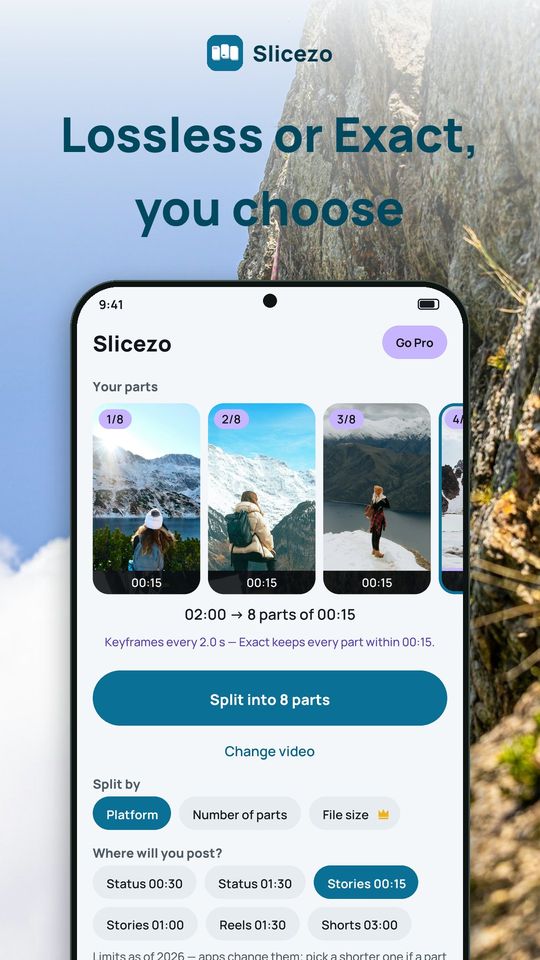
- Status 0:30 or 1:30, Stories 0:15 or 1:00, Reels 1:30, Shorts 3:00
- Platforms change their limits, so pick a shorter preset if an app refuses a part
- Your recent presets stay one tap away
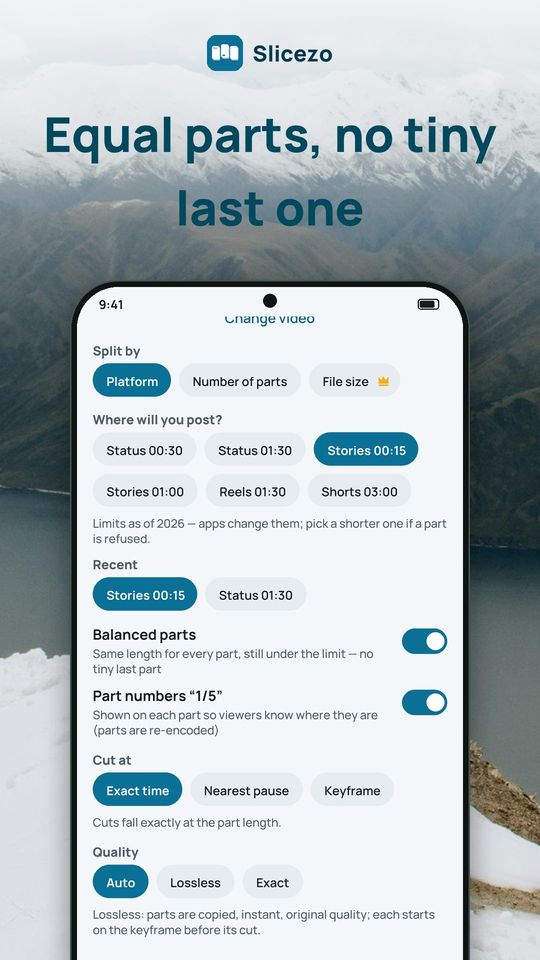
Balanced parts, no tiny last part
- 61 seconds at 15 seconds per part becomes 5 equal parts of 12.2 seconds, not four parts and a 1-second stub
- On by default; switch it off and Slicezo warns you when the last part would be very short
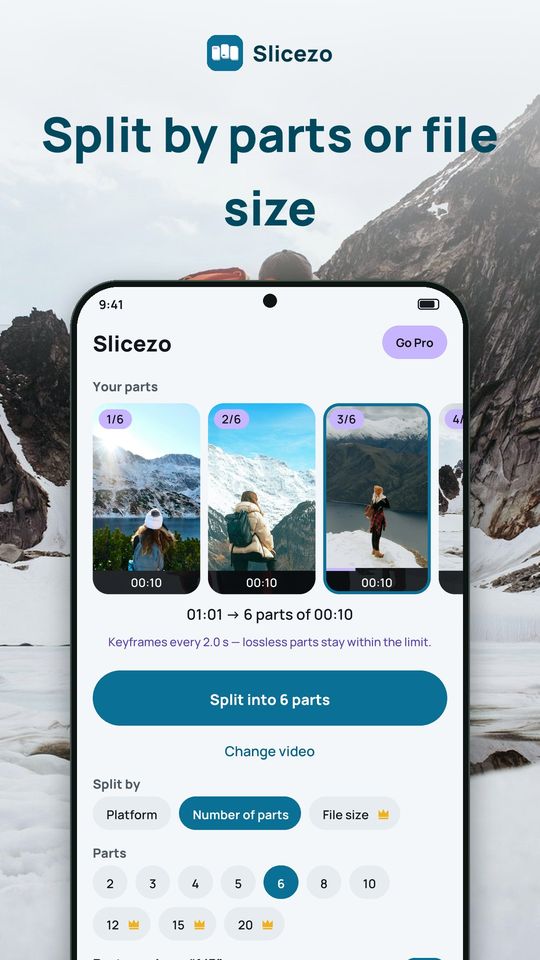
Split by number of parts or by file size
- Choose 2 to 20 equal parts, or a maximum size from 8 to 100 MB per part (file size is Premium)
Free and Premium
Free: with ads, up to 10 parts per video, parts of 10 seconds or more, 5 splits a day, no watermark. Ads are a banner on Home and a full-screen ad on the result screen; an optional rewarded ad unlocks one Premium option once. Premium removes all ads and adds unlimited splits, more than 10 parts, parts under 10 seconds, split by file size and the options marked with a crown. Plans: monthly, yearly with a 3-day free trial, or a one-time lifetime purchase.
Privacy
Videos are processed on your phone, never uploaded, and no account is needed. You choose a video with the system picker, so Slicezo only sees what you allow. Install Slicezo and turn your next long video into a story series.